 EstateMate
Add or remove someone in your household
Add your partner, family, room-mate or tenant under Additional Users. They get a One-Time PIN by SMS and can log in straight away.
- Open the menu on your home screen and tap Additional Users.
- Tap Add a User, add their name, email and mobile number, then tap Add User.
- They get a One-Time PIN by SMS, register with it and can log in straight away. No approval is needed.
Add or remove someone in your household
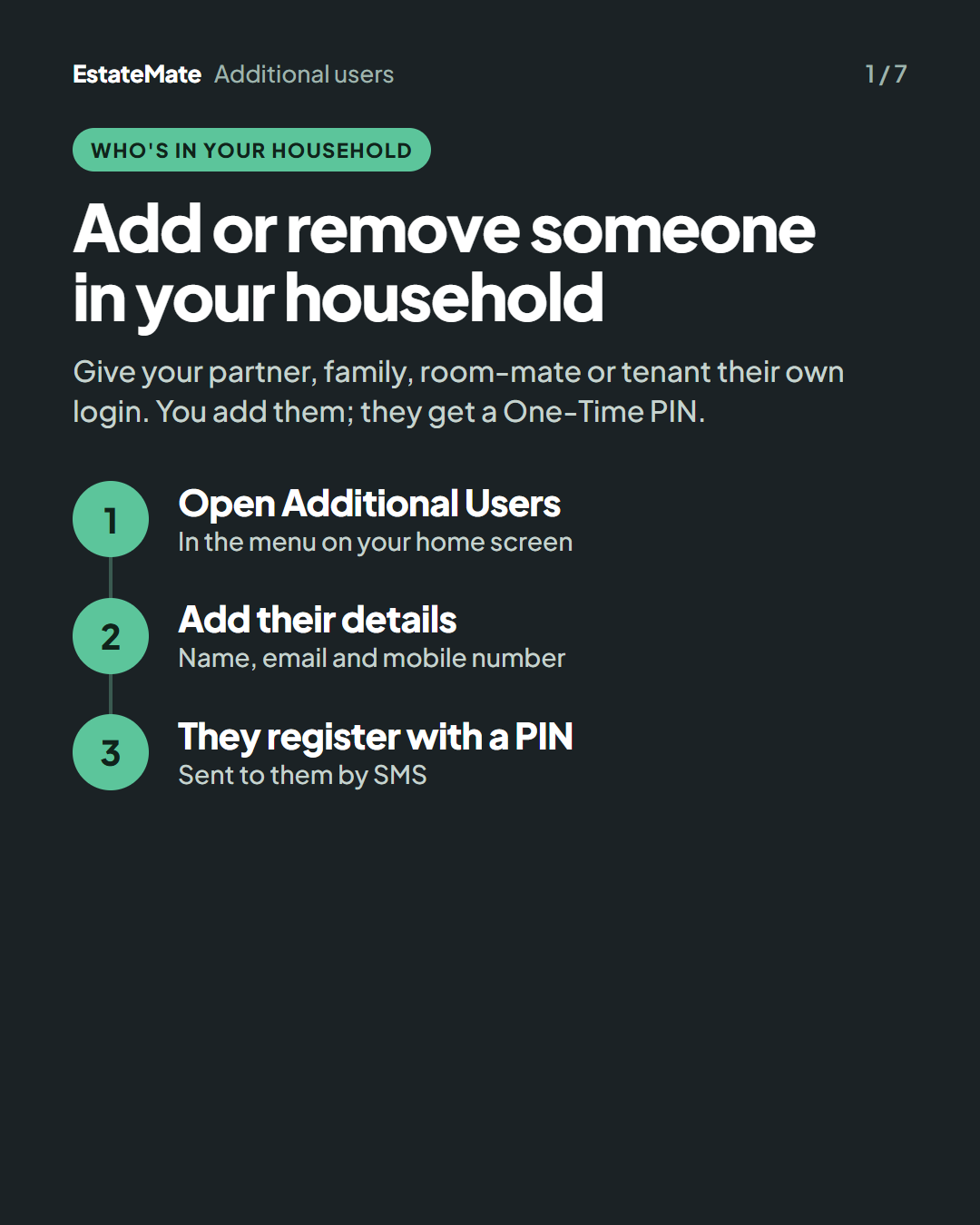
Give your partner, family, room-mate or tenant their own login. You add them; they get a One-Time PIN.
- Open Additional Users. In the menu on your home screen.
- Add their details. Name, email and mobile number.
- They register with a PIN. Sent to them by SMS.
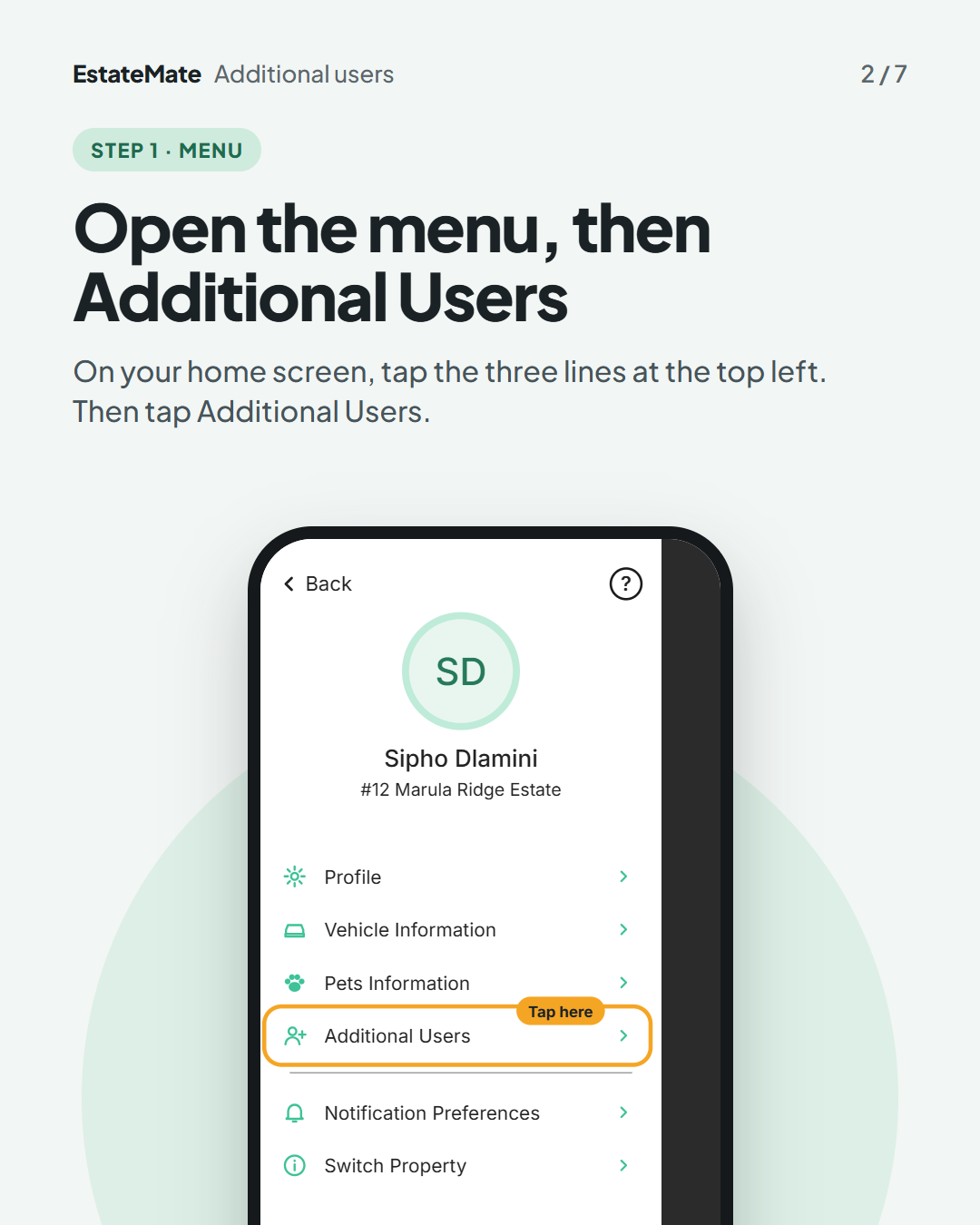
Step 1: open the menu, then Additional Users
On your home screen, tap the three lines at the top left. Then tap Additional Users.
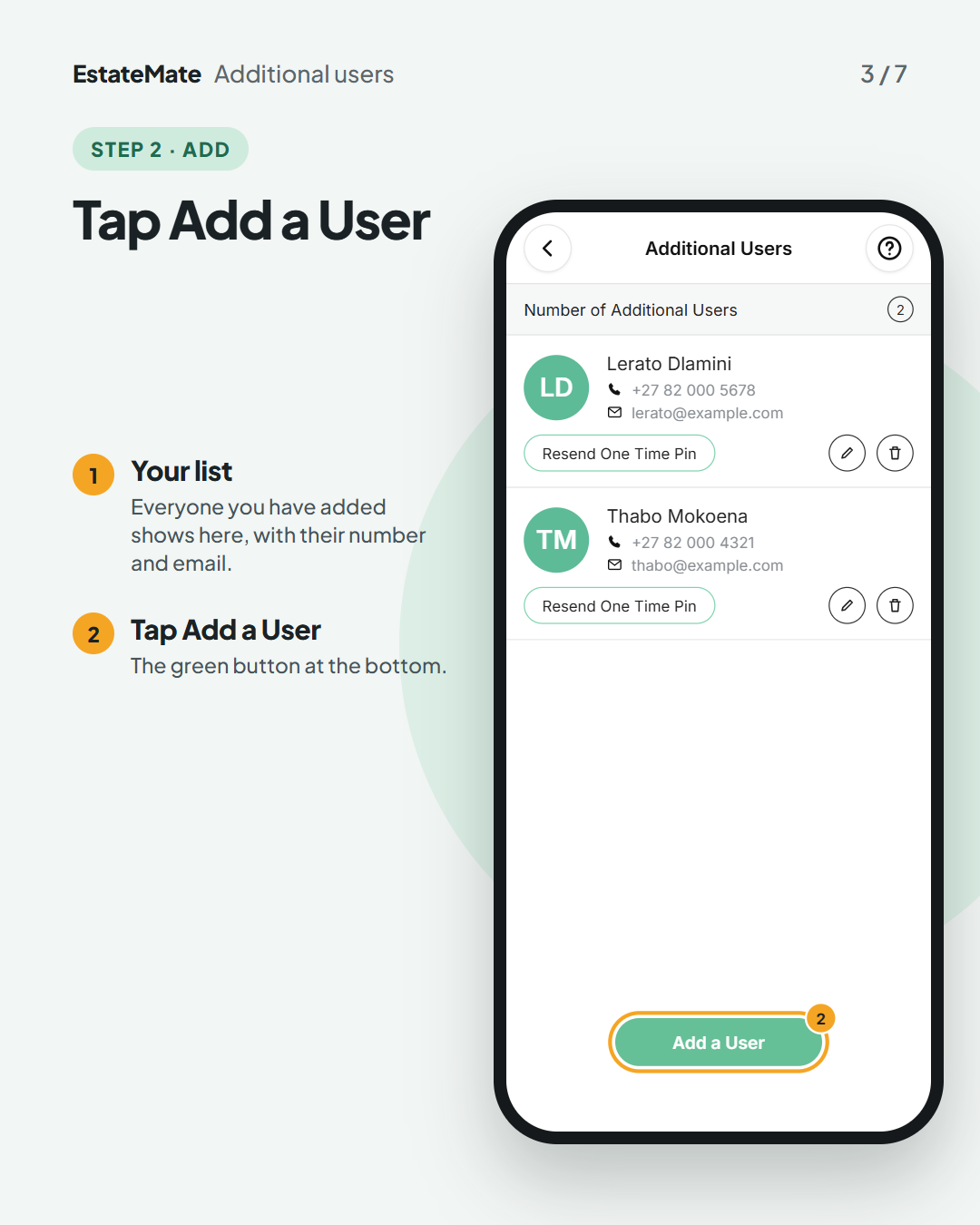
Step 2: tap Add a User
Everyone you have added shows here, with their number and email. Tap Add a User at the bottom.
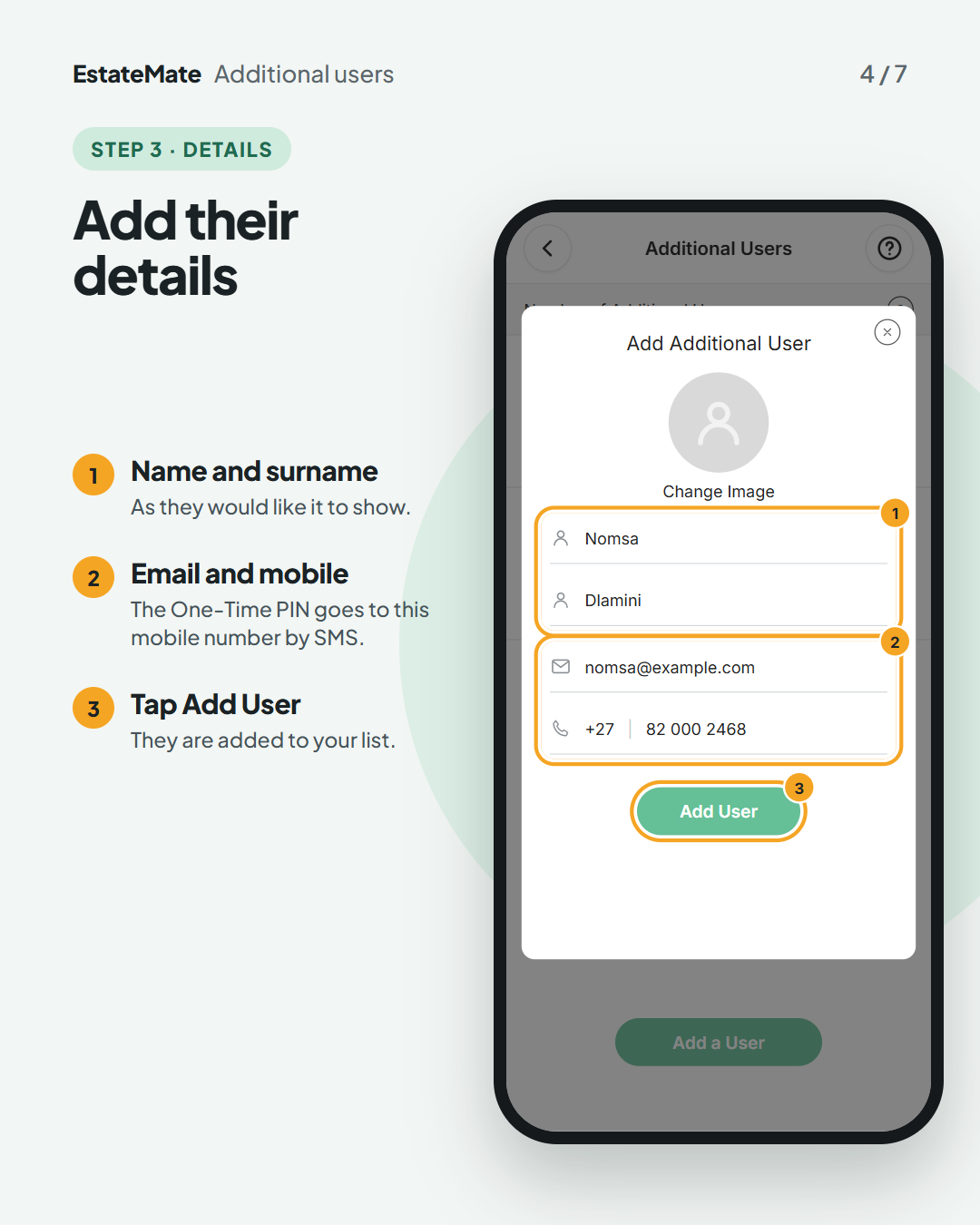
Step 3: add their details
- Type their name and surname.
- Add their email and mobile number. The One-Time PIN goes to this number by SMS.
- Tap Add User.
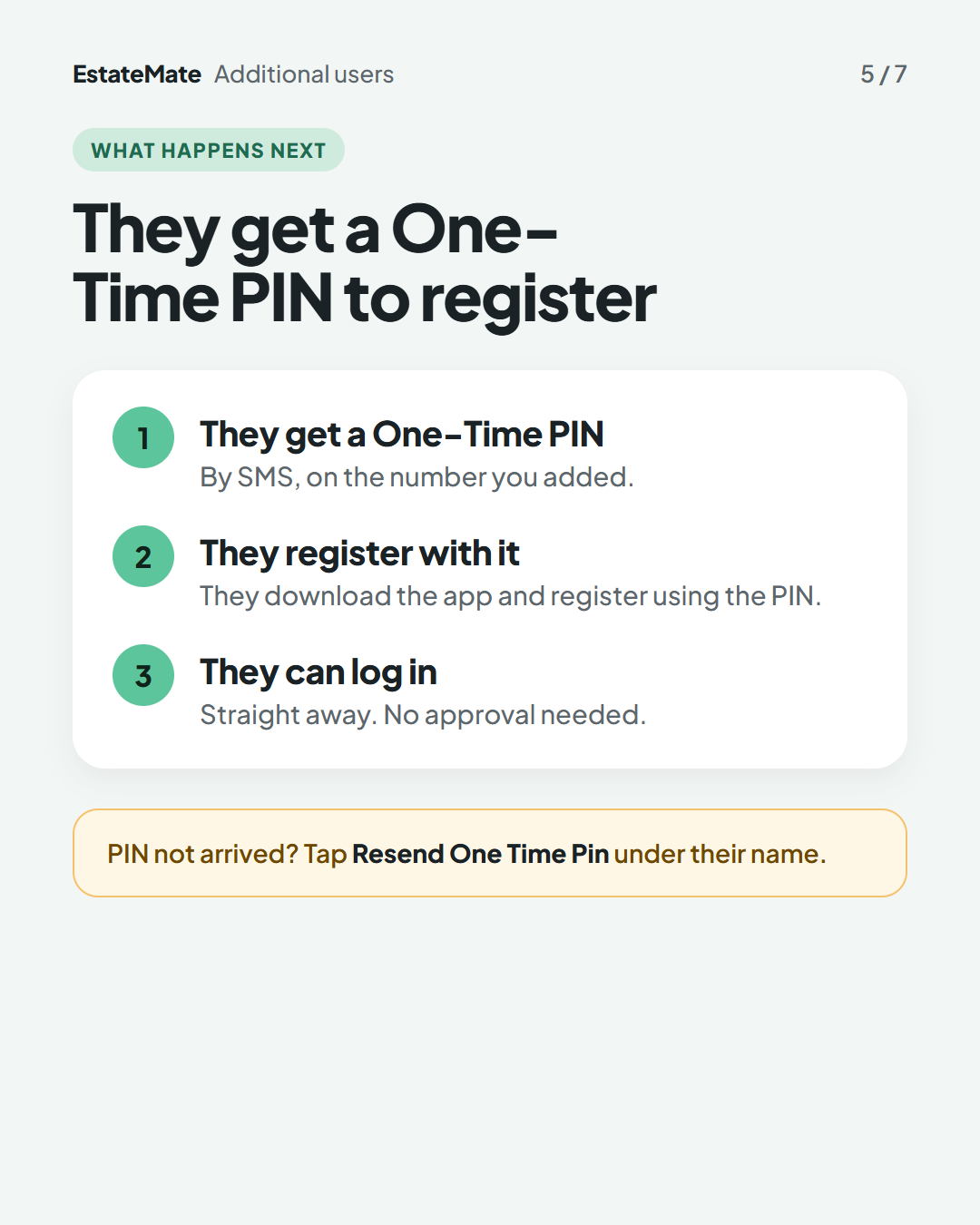
What happens next: they get a One-Time PIN
- They get a One-Time PIN by SMS, on the number you added.
- They register with it. They download the app and register using the PIN.
- They can log in straight away. No approval is needed.
PIN not arrived? Tap Resend One Time Pin under their name.
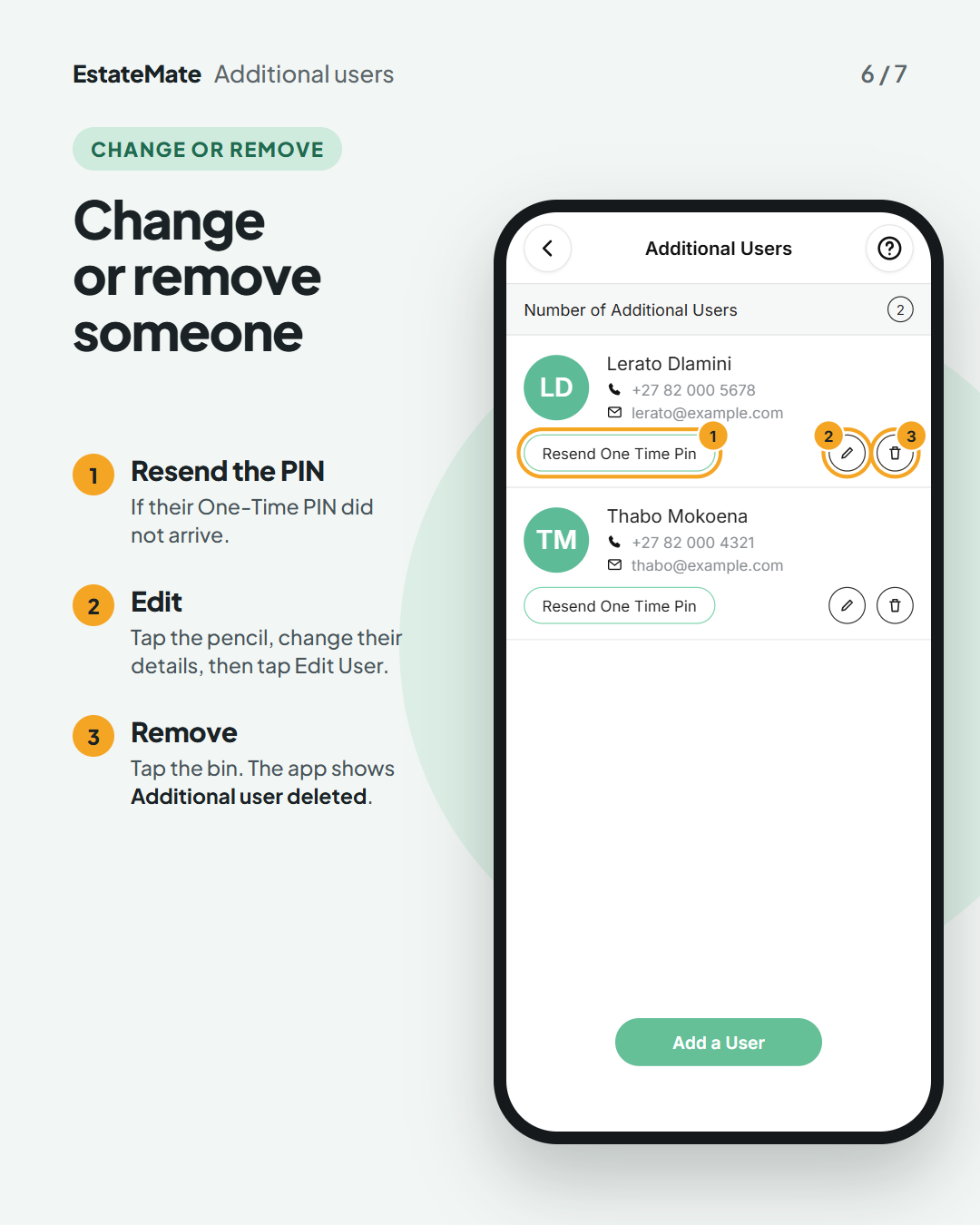
Change or remove someone
- Resend One Time Pin if their PIN did not arrive.
- Edit: tap the pencil, change their details, then tap Edit User.
- Remove: tap the bin. The app shows Additional user deleted.
We're listening
We don't always get it right first time. Building something flexible enough for hundreds of communities, each with its own way of doing things, is always a good challenge. Your feedback is how we make it better. If something feels harder than it should, please let us know at support@estatemate.co.za.
Still stuck?
Send us a request. We’ll know you were reading this guide, so you won’t have to explain where you are.